
Quality you control
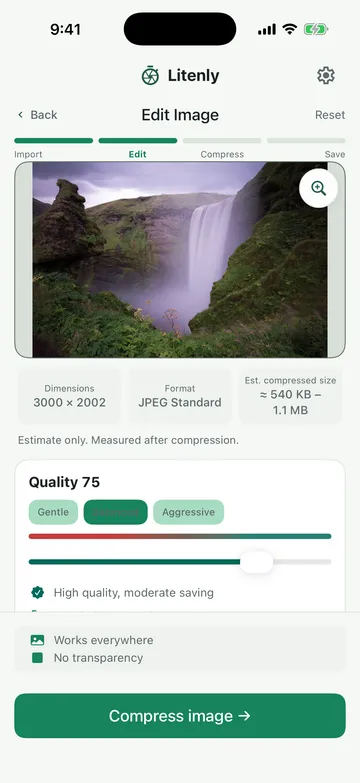
Choose Gentle, Balanced or Aggressive, or set the slider yourself. An estimate updates before you compress.
Photo and PDF compressor for iPhone
Litenly shrinks photos and PDFs right on your iPhone. Pick a quality or a size limit, compare the result with the original, then save or share it.
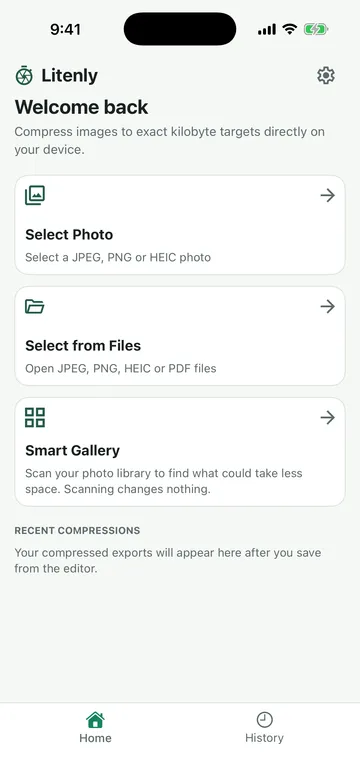
From one oversized photo to a crowded library.
Choose Gentle, Balanced or Aggressive, or set the slider yourself. An estimate updates before you compress.
Need a file under a set size? Enter a maximum in KB or MB. Litenly measures real encodes against your limit.
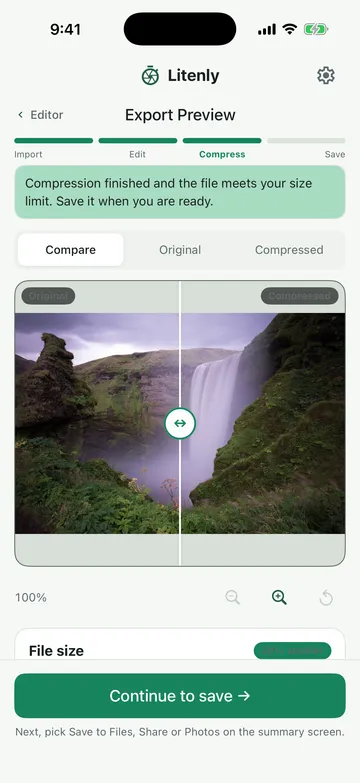
Slide between the original and the compressed version, zoom in, and check the measured file size.
Open JPEG, PNG, HEIC and PDF files. Export as JPEG, PNG, HEIC (on supported devices) or PDF.
Keep the original resolution, fit within a longest edge, or set an exact width and height.
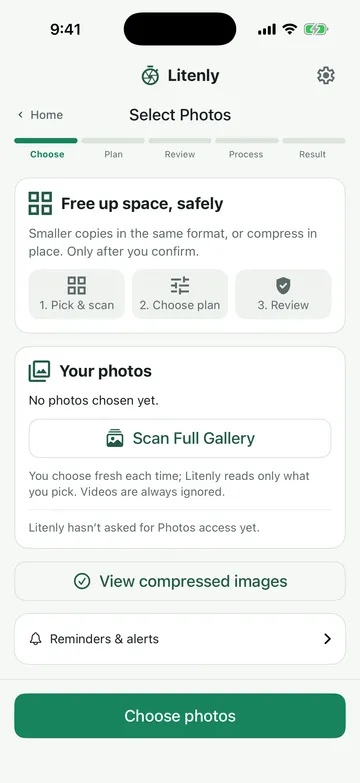
Scan chosen photos or your full library to find what could take less space. Scanning changes nothing.
Strip metadata and remove location data from single-image exports, or keep supported metadata.
Find recent compressions again, search them, and clear them whenever you like.
Optionally set clean-up reminders or a low-storage alert. They never compress or delete anything.
Open the app and start. No sign-up.
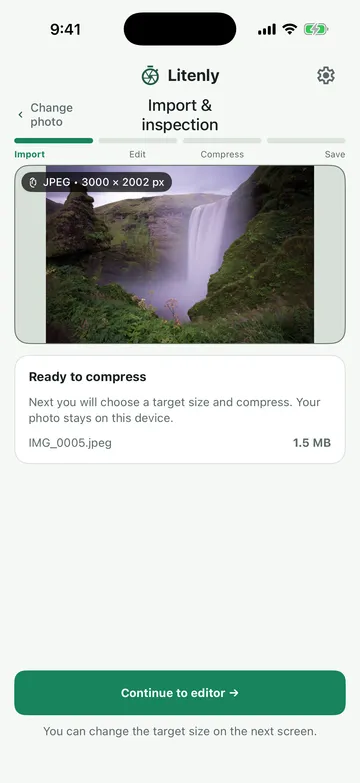
Select a photo from your library, or open an image or PDF from Files.
Pick a quality preset. Add a size limit, new dimensions or another format if you need them.
Check the result side by side, then save it to Files or Photos, or share it.
Smart Gallery guides you from choosing photos to reviewing the result. It ignores videos.
There is no account to create and no upload step. Litenly does not send your photos or documents to a server of ours.
Compressing a single file creates a new one. The file you chose is not modified or replaced.
If a file cannot be made smaller with your settings, Litenly says so and suggests a fix. Nothing changes until you apply it.
In Smart Gallery, an original goes to Recently Deleted only after you review it, confirm, and approve the prompt from Photos.

See the measured size and compare the picture before you save it.
The App Store link will appear here once Litenly is listed.